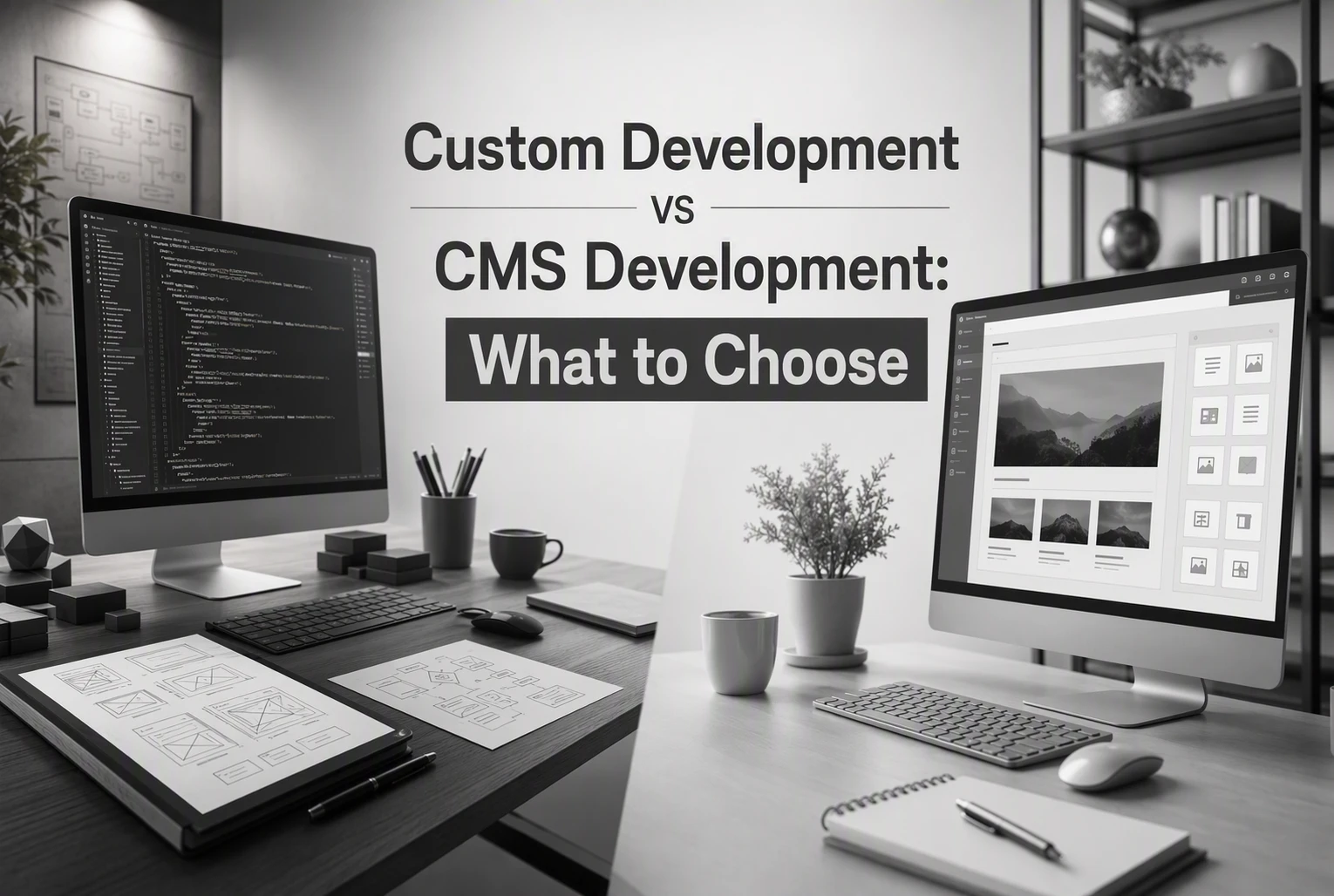
Custom Development vs CMS Development: What to Choose
Quick Summary: Custom development is best for lead-driven businesses needing control over SEO and scalability, but it costs more upfront and takes longer to launch. CMS development offers quicker setup, easier content management, and lower initial costs, making it suitable for simple sites and fast growth. The choice depends on whether your site needs complex features and growth potential or just fast, easy updates.
If your site must bring leads, not just look good, custom development usually beats a CMS. Custom development gives you more control for SEO, tracking, and conversion paths. A CMS fits better when you need a simple brochure site live fast. This guide compares custom development and CMS choices for service businesses that want growth now without paying for a costly rebuild later.
Custom Development vs CMS Development at a Glance
| Custom development | CMS development | |
|---|---|---|
| Pricing | Higher upfront, better long-term value | Lower upfront, often cheaper to start |
| Time to launch | Slower, because it is built from scratch | Faster, with templates and existing modules |
| SEO and content flexibility | Highly adaptable for local SEO and landing pages | Good for standard pages and routine updates |
| Scalability | Strong; grows with new features and workflows | Moderate; limited by platform and plugins |
| Security | Better control over code and dependencies | Depends on platform, plugins, and maintenance |
| Best for | Lead-driven businesses and custom conversion needs | Simple sites and teams that update content often |
How Custom development and CMS development Compare
Custom development
Custom development is a site built around your sales process, lead flow, and growth plan. It fits service businesses that need strong local SEO, paid landing pages, and room to add features later. Its angle here is control - you pay more upfront, but you get a setup shaped to your business.
 Key strengths
- High flexibility
- Strong scaling potential
- Better code control
CMS development
CMS development uses a platform that makes publishing and editing faster for non-technical teams. It suits simpler websites, budget-conscious launches, and businesses that update pages often. Its angle here is speed and ease - quicker to launch, easier to manage, but with more platform limits.
Key strengths
- Lower starting cost
- Faster launch
- Easy content updates
Cost vs Long-Term Value
A cheap build can get expensive fast if you outgrow it in 12 to 24 months. Rebuilds often add costs for content migration, SEO cleanup, redirects, and new integrations. WordPress VIP’s redesign guide notes that redesigns often involve CMS selection, content migration, and governance, not just design. That is why the lowest upfront quote is not always the best deal.

If your site will need custom lead flows, service area pages, or CRM links later, plan for that now.
CMS pricing is the smarter move when your business needs speed, easy edits, and a lower launch budget. For many small firms, staying on a solid CMS avoids a full custom build while keeping room to grow. Project Cost Estimator’s 2026 report shows WordPress as a lower-cost baseline than custom code.
Also Read: WordPress Design for Small Business Websites
SEO, Conversion, and Day-to-Day Control
Custom development helps local SEO when you need tight control over page layout, internal links, schema, and landing page speed. Google says clear site structure and crawlable pages help search engines understand content and find key URLs faster in its SEO Starter Guide. That matters when you run city pages, service pages, and paid traffic pages at once.

A CMS is enough when your main need is fast content publishing. You can add service updates, case studies, and FAQs without calling a developer each time. That gives your team more day-to-day control. Google also notes that many CMS platforms handle sitemaps automatically in its SEO Starter Guide.
Pick custom if growth depends on unique SEO and conversion flows. Pick a CMS if speed, edits, and simple publishing matter most.
Also Read: Custom Website Design Reviews: What Clients Should Check
Which Should You Choose for Your Next Build?
Choose based on what the site must do over the next 3 to 5 years, not just launch speed. If your site needs complex lead flows, custom integrations, or room to scale, go custom. If you need to publish fast and keep edits simple, a CMS is usually enough. For context, WordPress still powers a huge share of the web, according to WordPress VIP.
- Choose custom development if your site must sell and scale
- Pick custom if your website is part sales tool, part system.
- It fits advanced booking, quoting, CRM sync, and paid landing page testing.
- You pay more upfront, but you avoid plugin workarounds later.
Read the parent guide: Custom Development vs CMS Development: What to Choose
- Choose CMS development if speed matters most
- Pick CMS if you need a solid lead-gen site live fast.
- It works well for service pages, blogs, local SEO, and team updates.
- CMS is strongest when publishing content is the main job, as this decision guide explains.
Need a growth website that fits now and scales later? Talk to Harrigan Creative for a build strategy that supports SEO, paid traffic, and lead generation.
Frequently Asked Questions
Q1: Compare web development agencies for startups?
Start with fit, not size. Check strategy, lead-gen focus, ownership, and post-launch support. For service businesses, Harrigan Creative stands out if you need local SEO, paid ads, and custom growth planning in one build.
Q2: Is a CMS enough for a local service business?
Usually, yes - if you need speed, easy edits, and solid SEO pages. Pick custom only when your site needs special tools, complex workflows, or deeper integrations that a standard CMS will fight.
Q3: When should I avoid custom development?
Avoid it when your offer is simple, budget is tight, or you need leads fast. A CMS gets you live sooner. Custom makes sense later if growth creates limits you cannot solve cleanly.
Q4: Can I start with a CMS and upgrade later?
Yes, if the site is planned well. Use clean page structure, strong tracking, and flexible templates now. That reduces rebuild pain later and helps your SEO, ads, and conversion data stay stable.
Conclusion
Choose CMS for speed, lower upfront cost, and easy edits. Choose custom development for stronger growth, cleaner performance, and fewer rebuilds later, especially as HubSpot notes local sites need lead-focused features.