
Google Ads Removes Manual Language Targeting Controls in 2026
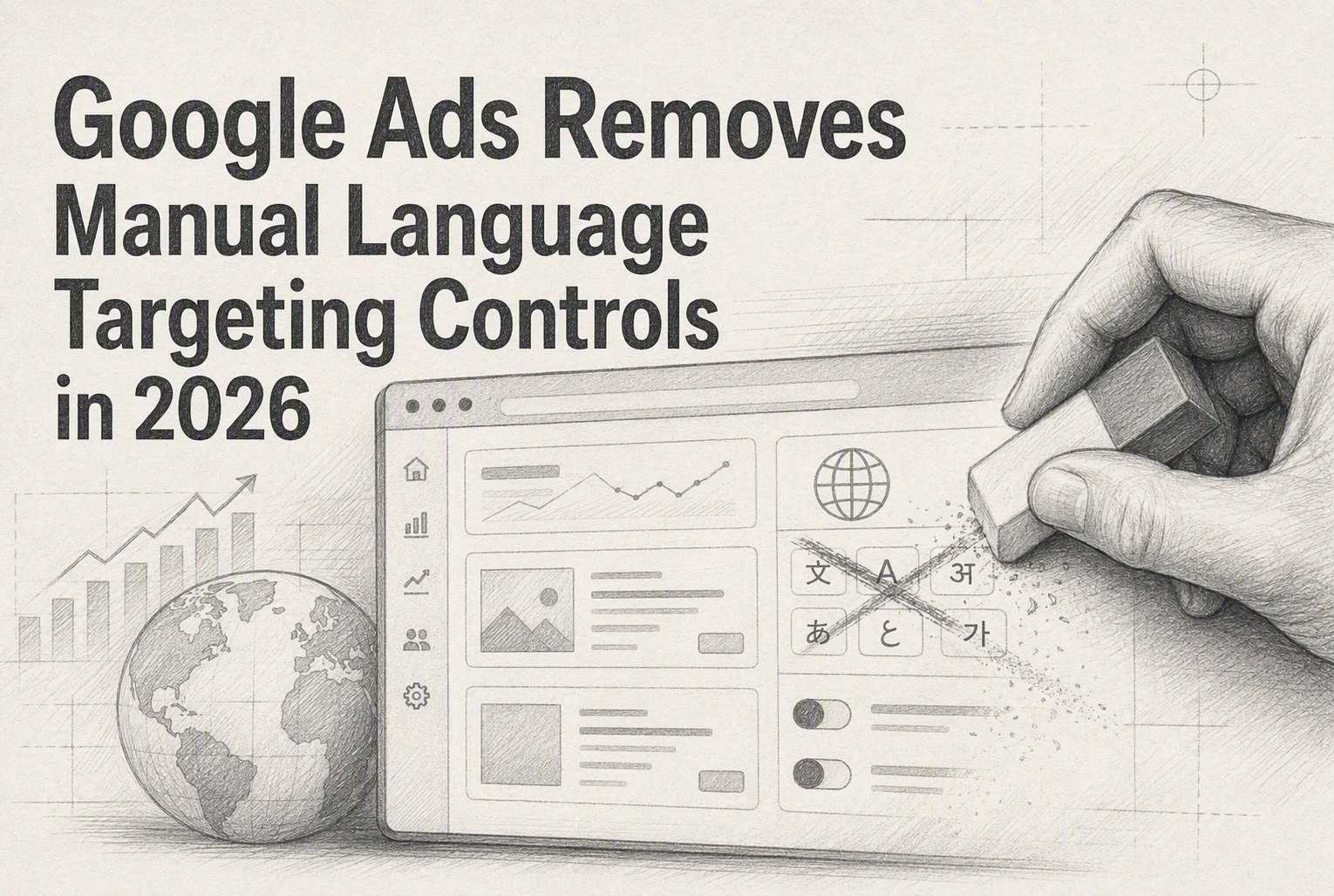
Quick Summary: Google will remove manual campaign-level language targeting from Search and Performance Max Search inventory in September 2026, relying instead on automated signals like ad copy, landing page language, and user preferences. Advertisers must keep each ad group and landing page in one clear language, separate mixed-language campaigns, and update API workflows, since the setting will no longer act as a hard filter. Performance Max on YouTube, Display, Discover, and Gmail still uses selected campaign languages, but Search inventory follows the new automated matching.
Starting in September 2026, Google will remove campaign-level language settings from Search and Search inventory in Performance Max. This Google Ads language targeting update moves matching to automated signals, including queries, ads, landing pages, and user preferences. Google says no account rebuild is needed. Yet multilingual lead campaigns need clear structure, copy, pages, and tracking. This guide explains what the Google Ads language targeting update changes and what to check.
Google Is Removing the Campaign-Level Language Setting in September
What Changes for Search and AI Max
The Google Ads language targeting update removes the campaign-level language setting from Search and AI Max for Search in late September. Google will instead match ads using your ad language, landing page language, query, and user signals, according to the official Google Ads Developer Blog.
| Campaign type | September change |
|---|---|
| Search and AI Max for Search | Manual language selection ends |
| Performance Max on Search | Same automated matching applies |
| Performance Max on YouTube, Display, Discover, Gmail | Language settings still apply |
Warning: The Google Ads language targeting update does not remove language matching. It removes your ability to use the campaign setting as a hard filter.
Keep each ad group and landing page in one clear language. A bilingual user may qualify for either version, so watch lead quality and conversion rates after launch. API users should stop adding language criteria to new Search campaigns. Search Engine Land's report confirms existing criteria can remain, but no longer control Search delivery.
Also Read: 7 Conversion-Focused Website Features Service Businesses Need
How Google Will Choose the Ad Language Instead
Why Ad and Landing-Page Language Matter More
Google will match Search ads using the language of your ad, your landing page, the search term, and signals about languages a person understands. If several ads qualify, Google’s AI will choose the best fit for that auction, according to Google Ads Help.

Keep each language path clear:
- Write complete ad assets in one language.
- Send clicks to a page in that same language.
- Separate mixed-language ad groups where possible.
- Check search terms, leads, and bounce rates after launch.
| Signal | What Google may assess |
|---|---|
| Search query | The language typed by the user |
| Ad copy | The language of headlines and descriptions |
| Landing page | The language users see after the click |
A Spanish ad that leads to an English service page sends a weak relevance signal and can lose qualified leads.
Google says Search language matching will favor ad and landing-page language, while user preferences still matter. The September 2026 update makes clean language paths more important than a campaign setting.
Also Read: 7 Lead Generation Assets Digital Marketing Teams Should Build
Performance Max Will Use Two Different Language Rules
Performance Max will not follow one language rule after September. On Google Search inventory, its campaign language setting no longer applies. Google will match ads using creative, landing page language, search terms, and user signals, as outlined in Google's update.

| Performance Max inventory | Language rule |
|---|---|
| Google Search | Ad and landing page language guide matching |
| YouTube, Display, Discover, Gmail | Selected campaign languages still apply |
| Shopping ads | Not affected by language settings |
- Keep each asset group linguistically clean.
- Check final URLs for the correct page language.
- Review Search results separately from total PMax results.
A single blended PMax report can hide language mismatch on Search.
What Advertisers Should Audit Before the Rollout
Audit every multilingual Search and Performance Max campaign now. Google says Search matching will rely on ad and landing page language, plus user signals, after the setting is removed. Read Google’s API update
- Check that each ad group uses one clear language.
- Match every ad to a landing page in that same language.
- Review search terms for mixed-language traffic and weak leads.
- Keep separate campaigns where budgets, offers, or call handling differ.
- Update API workflows so new Search campaigns do not send language criteria.
| Audit area | What to flag |
|---|---|
| Performance Max | Search uses new rules; other channels keep language settings |
| Lead handling | Staff cannot support the language promised in ads |
Warning: Do not assume a campaign name still controls language delivery.
Need help protecting multilingual lead quality after this Google Ads change? Harrigan Creative can audit your targeting, search terms, and lead flow, then build a plan that fits your market.
Frequently Asked Questions
Q1: What does Google's 2026 language targeting change mean for advertisers?
Google removes manual language controls. Ads can still reach users based on signals like queries, settings, and browsing behavior.
Q2: Should I split multilingual campaigns?
Yes. Use separate campaigns, ads, and landing pages for each language when budgets and lead quality differ.
Q3: Can language exclusions stop unwanted leads?
No. Review search terms, location settings, and conversion quality instead.
Conclusion
Google now automates Search language matching. Keep each ad and landing page in one language, watch multilingual lead quality, and update API workflows. Search Engine Land confirms the scope.