
Google AI Mode Changes How Local Businesses Appear in Search
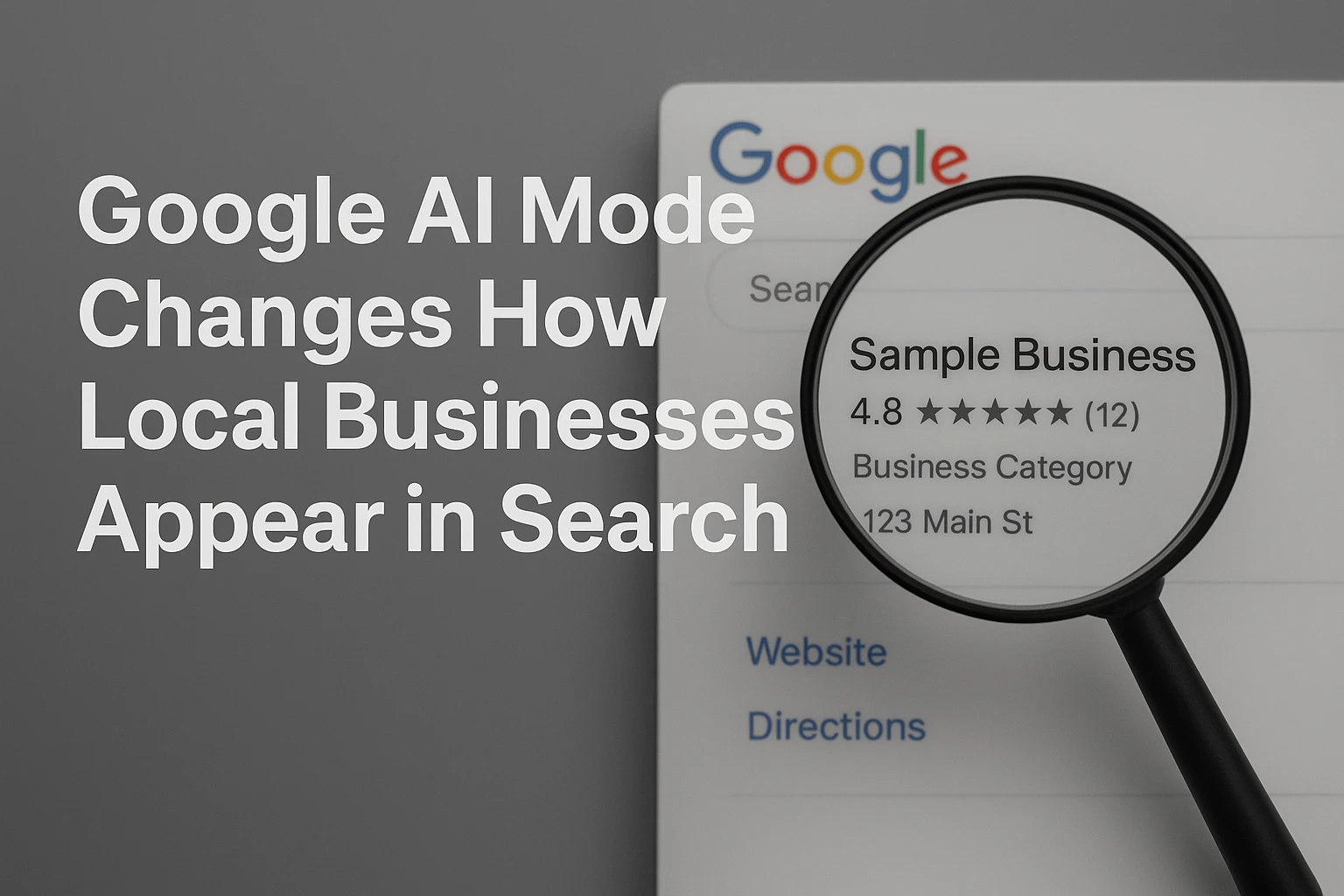
Quick Summary: Google's AI Mode is shifting local search from a list of links to conversational, multi-step answers that compare services, prices, and availability, so businesses must keep facts consistent across their website, Business Profile, and directories. The article stresses that accurate hours, services, and pricing are now critical because AI Mode can call businesses when details are missing, and it warns that AI answers can contain mistakes. It advises focusing on clear service pages, real customer proof, and consistent contact details, while noting that standard SEO still applies and no special AI setup is needed.
Google is turning local search into a conversation. In 2026, AI Mode can compare nearby services, check prices or hours, and seek missing details from businesses. Google AI Mode local SEO is now about being a clear, trusted answer, not just ranking. Calls and bookings can drop when facts conflict. This Google AI Mode local SEO analysis separates Google-confirmed changes from guesswork and shows what to fix first.
AI Mode Turns a Local Search Into a Multi-Step Recommendation
From a List of Businesses to an Answer Built Around Intent
A customer may ask for a plumber open tonight who handles tankless heaters and offers financing. Google AI Mode local SEO now matters because AI Mode can split that request into related searches, compare details, and return a reasoned answer instead of a simple business list. Google says AI Mode can also ask follow-up questions and check local service availability. Google's AI Mode help confirms this shift.
| Old local search | AI Mode local search |
|---|---|
| Shows links and map results | Builds an answer around needs |
| One short query | Several related checks |
| Customer compares alone | Customer gets a narrowed shortlist |
For Google AI Mode local SEO, keep hours, services, service areas, and booking paths clear across your site and Business Profile. Google confirms that AI Mode uses related searches, called query fan-out, to support complex answers. Its official guide says standard SEO still applies.
Do not create pages for every wording variation. Give customers clear, useful facts they can act on.
The Local Business Facts Google Can Use, and the Ones It Cannot Guess
The Three Places Owners Need to Keep Aligned
Google can pull local facts from your website, Business Profile, and third-party sources such as user edits and licensed data. Google confirms these sources. Keep your core details identical in all three places:
| Fact | Keep aligned |
|---|---|
| Identity | Business name, primary category, phone |
| Location | Address, map pin, service area |
| Availability | Regular hours, holiday hours, services |
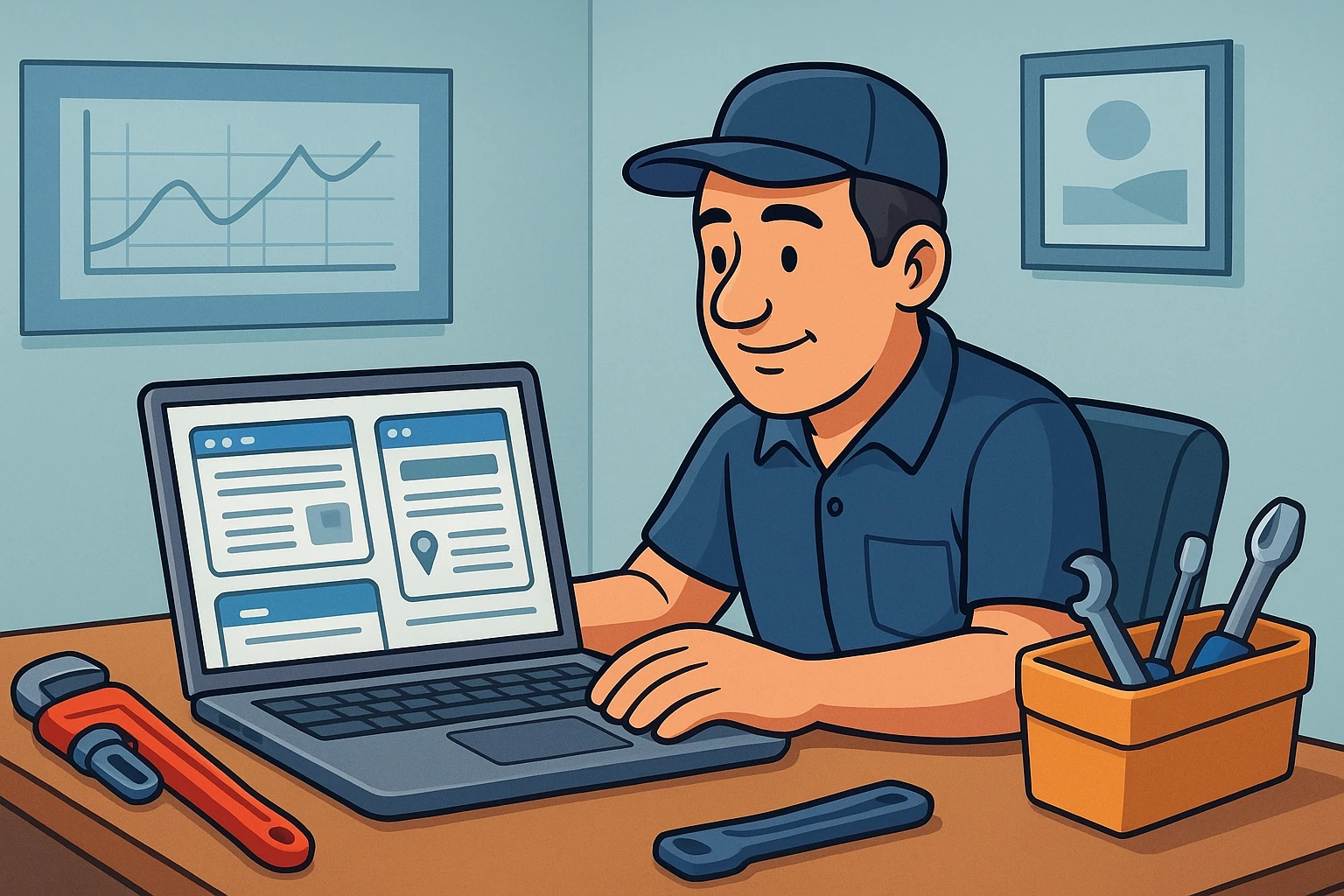
Google cannot safely guess that you cover a new town, offer emergency jobs, accept a certain payment type, or have changed hours. State those facts clearly.
- Update your Google Business Profile first.
- Match the same facts on your location page.
- Correct major directories and review special hours before holidays.
Tip: Use the real-world business name only. Adding city names or service keywords can cause profile problems under Google's representation guidelines.
Why Pricing, Availability, and Follow-Up Questions Matter Most
The Queries That Can Move a Customer Toward Action
A customer asking for a quote or an open slot is close to choosing. Google AI Mode can research local service costs, appointment availability, and stock. It may also ask follow-up questions to narrow the need, then call businesses when key details are not online, according to Google Search Help.
| Customer question | What your business needs ready |
|---|---|
| “What does drain cleaning cost?” | Clear starting prices or honest ranges |
| “Who is available Friday?” | Current hours and booking options |
| “Can they handle a blocked main line?” | Specific service details and fast phone response |

Keep answers consistent across your site, Business Profile, and front desk.
- Publish price ranges with factors that change the cost.
- State service areas and the next available booking window.
- Train staff to answer common follow-up questions without guesswork.
Warning: Google says AI responses can contain mistakes. Check your public details often, and treat every call as a real lead.
Also Read: Growth Strategy for Service Brands: 7 Digital Plays
How Google Built the Path to AI-First Local Discovery
Google first added AI Overviews to answer complex questions within regular results. AI Mode then made search more conversational, using related searches to build fuller answers with supporting links, as Google explains.
For local firms, the shift now reaches beyond a map listing. AI Mode can research service costs, check appointments, and even contact businesses when key details are missing, according to Google Search Help.
Accurate hours, services, and contact details are now part of how customers get answers.
Make your local signals clear before AI Mode decides who to show. Harrigan Creative builds local SEO and websites that turn search visibility into qualified leads.
Frequently Asked Questions
Q1: How is Google AI Mode changing local business visibility?
AI Mode may summarize local options instead of showing a standard list first. Clear service pages, accurate business details, strong reviews, and proof of local expertise give Google better facts to cite.
Q2: Does AI Mode replace Google Business Profile?
No. Your profile still supplies key local signals, including categories, hours, reviews, and location details. Keep it complete and match its information to your website.
Q3: What should local businesses fix first?
Check that every core service has a focused page, real customer proof, and consistent contact details. Remove thin city pages that repeat the same copy.
Conclusion
AI Mode widens local discovery beyond blue links. Keep your Business Profile accurate, publish useful service detail, and track leads. Google confirms no special AI SEO setup is required.