
How to Optimize a Google Business Profile for Local Visibility
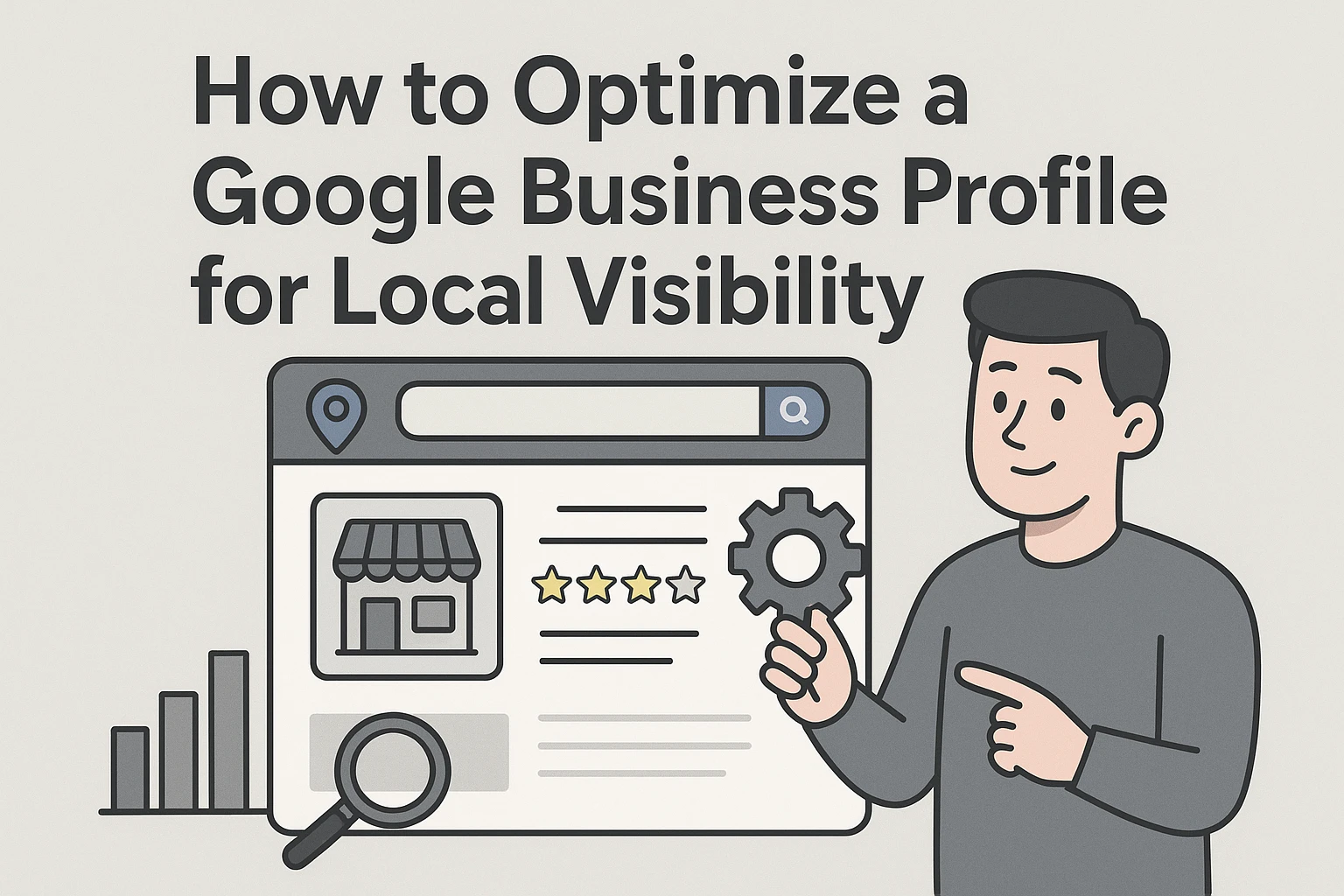
Quick Summary: Optimizing a Google Business Profile starts with claiming and verifying it using your exact real-world business name, then filling in accurate address, service area, hours, and contact details. Choose the most specific category and list services in plain customer terms, while building trust through authentic reviews, real photos, and timely updates. Track calls, leads, and other actions monthly rather than just rankings, and decide between DIY or hiring help based on your number of locations and results. Following Google's guidelines protects your profile from suspension, and Harrigan Creative offers local SEO plans that combine profile, website, and paid media support.
A customer seeking an emergency electrician on Google Maps may call, request directions, or choose a competitor before they ever reach a website. Many businesses lose those leads through incomplete or risky profile setup. This guide gives you a practical local SEO workflow for ranking signals, trust, conversions, and tracking results. It draws on proven local SEO priorities, so you can improve visibility without putting your profile at risk.
Step 1: Claim, Verify, and Correct the Business Information
Use the Real-World Business Identity
Claim the profile in Google Search or Maps, then complete the offered verification method. Verification lets you manage the listing and supports local SEO visibility. Use the exact business name shown on your signs, website, and invoices. Google says added keywords, taglines, or locations in the name can trigger suspension under its profile guidelines.
Warning: Keep the owner account under your control. Give agencies manager access, not sole ownership.
Set Address, Service Area, Hours, and Contact Details
Enter a full public address only if customers visit you there. Mobile businesses should hide the address and list real cities or ZIP codes served. Google allows up to 20 service areas and advises a tight, accurate footprint. Check the map pin, primary phone, website, regular hours, and holiday hours. Complete, current details help local SEO and reduce missed calls.
Step 2: Improve Relevance with Categories, Services, and Attributes
Choose the Most Specific Accurate Category
Your primary category should match the work that drives most of your revenue. Google says categories affect local ranking, so choose the most specific honest option, then add only a few relevant secondary categories. Google's category guidance warns against using categories for every service.
Tip: Do not chase a competitor's category. A poor match can confuse customers and trigger review.
Describe Services for Customers, Not Algorithms
List real services in plain terms customers use, such as water heater repair or same-day drain cleaning. Add clear details where allowed, then select truthful attributes like wheelchair access, online appointments, or women-owned. Services may appear when people search for that offering, according to Google's services help.
- Remove services you no longer offer.
- Never add prices or phone numbers to custom service names.
Step 3: Build Trust with Reviews, Photos, Updates, and Customer Actions
Create an Authentic Review Process
Ask every customer for an honest review after the job is complete. Share your Google review link by text or email, then reply to every review with a helpful, human response. Google permits review requests, but bans incentives and pressure tactics, as its review policy explains.
- Request feedback from all customers
- Thank positive reviewers
- Address concerns calmly and offline when needed
Never buy reviews or ask only happy customers. Both tactics can put your profile at risk.
Use Visuals and Updates to Reduce Customer Uncertainty
Add real photos of your team, completed work, vehicles, and location. Clear, well-lit photos should reflect reality, per Google's photo guidance.

Post timely updates about hours, seasonal services, or open appointments. Add one clear action button, such as Book, Call, or Learn more.
Also Read: Growth Strategy for Service Brands: 7 Digital Plays
Step 4: Measure Local Visibility and Choose the Right Level of Help
Track Actions and Business Outcomes
Check Performance monthly. Google reports calls, website clicks, direction requests, searches, and views for verified profiles.
- Track calls, form leads, bookings, and sales
- Compare each month with the prior period
- Tag website links to identify Profile traffic
Views show reach. Leads and revenue show value.
Decide Whether to DIY or Hire Help
DIY works if you have one location, time to respond to reviews, and a clear tracking process. Hire help if leads stall, listings have errors, or several locations need steady work.
| Situation | Best fit |
|---|---|
| One profile and regular upkeep | DIY |
| Multiple locations or weak results | Managed local SEO |
Ask any provider who owns the Profile, website assets, and reporting. You should keep access and ownership.
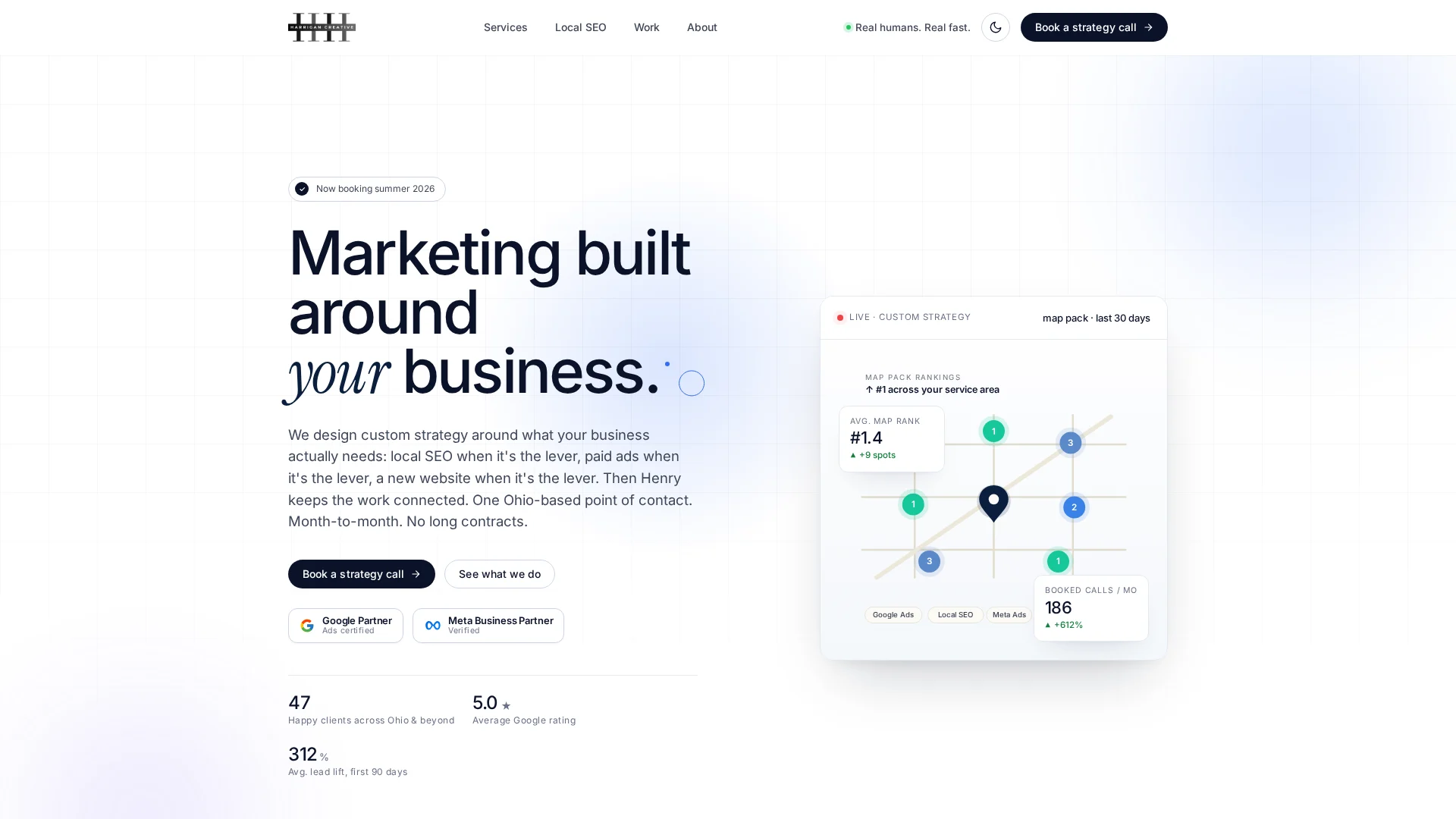
Need help turning profile views into calls? Harrigan Creative builds local SEO plans that strengthen your Google Business Profile, website, and lead flow.
Frequently Asked Questions
Q1: Who offers the best Google Business Profile help?
Choose a provider that explains its work, protects account access, and tracks calls, leads, and rankings. Harrigan Creative combines local SEO with websites and paid media when those channels support growth.
Q2: How long does Google Business Profile optimization take?
Basic fixes can take a few days. Stronger local results often need several months of accurate updates, review growth, useful content, and steady website improvements.
Q3: Can I use keywords in my business name?
Only use your real-world business name. Adding city names or services can trigger edits, customer reports, or a profile suspension.
Conclusion
Keep your profile accurate, complete, and active. Track calls and leads, not rankings alone. Follow Google’s profile guidelines to protect visibility and avoid suspension risks.